
Key takeaways: Short video ad editing becomes easier to follow when it presents the benefit early, removes every shot that does not serve one message, and makes sound, text and movement work in one direction. Do not start with effects; start by ordering the opening, proof and ending, then test one version at a time to learn why results improved or declined.
What is the first step in short video ad editing?
Good editing starts by ordering the message before the shots: one sentence promises a clear benefit, then visual proof follows, then one closing call to action. Sort material into three groups: product shots, supporting use shots, and sound and text elements. This reveals gaps early and stops editing from becoming a random search through files.
- Write the one benefit viewers should remember after the ad ends.
- Order the shots as opening, proof and ending, and remove anything that does not move the message forward.
- Add text and sound after the picture order is stable so their timing does not change with every cut.
- Watch the sequence once on a phone and note the first moment of waiting or repetition.
The short video ad script template helps fix this message before editing, and the rule applies to every short ad video edit.
What short video ad length helps viewers watch to the end?
There is no length that suits every product, so make the version short enough to state one benefit, prove it, and ask for one action without filler. Try a shorter version when completion drops early, and a slightly longer version when the product needs explanation or comparison. Compare completion with enquiry quality, not video length alone.
Familiar product
- Editing decision
- Start with the result, show use, then end with one call to action
Product needs explanation
- Editing decision
- Add one piece of proof and remove side benefits
Limited offer
- Editing decision
- Present the benefit before the offer so price does not dominate
Sequential use story
- Editing decision
- Shorten the path to the result and do not show every stage
How do you build the first 1-3 seconds of the edit to stop the scroll?
Put the strongest proof first: the result of use, the problem as viewers see it, or the product in a clear moment that needs no explanation. Remove greetings, store names and introductions, and start movement, sound and text together so the idea lands immediately. If viewers must ask what is happening here, the key shot arrived too late.
- Result first: a close shot shows the effect of use before explaining the method.
- Problem first: a short on-screen question describes a moment viewers know.
- Product in motion: opening, touching or using it clarifies shape and size.
- Promise tied to proof: voice and text describe what the eye sees now.
See the Gulf hooks bank to choose an opening that fits your angle and product.
How do you maintain pacing and prevent boredom in the edit?
Pacing comes from changing information, not cutting speed alone: trim silence and waiting, change angle or size when the idea changes, and keep each shot until it is understood. Use supporting shots to clarify use, size or result, and choose transitions that do not draw attention. When effects follow one another without new information, viewers feel noise, not progress.
Cut silence
- When to use it
- When the moment adds no information or feeling
Close shot
- When to use it
- To highlight texture, details or how to use it
Wider shot
- When to use it
- To clarify place, size or the product relationship with the user
Simple transition
- When to use it
- When the idea changes without drawing attention to the edit
How do you format captions and on-screen text to improve understanding?
Make on-screen text a shortened version of the idea, not a copy of every spoken word, and show each phrase with the shot that proves it. Use few words per line and fix text position away from the product, faces and platform buttons. Viewers should understand the offer, benefit and call to action on mute without chasing lines.
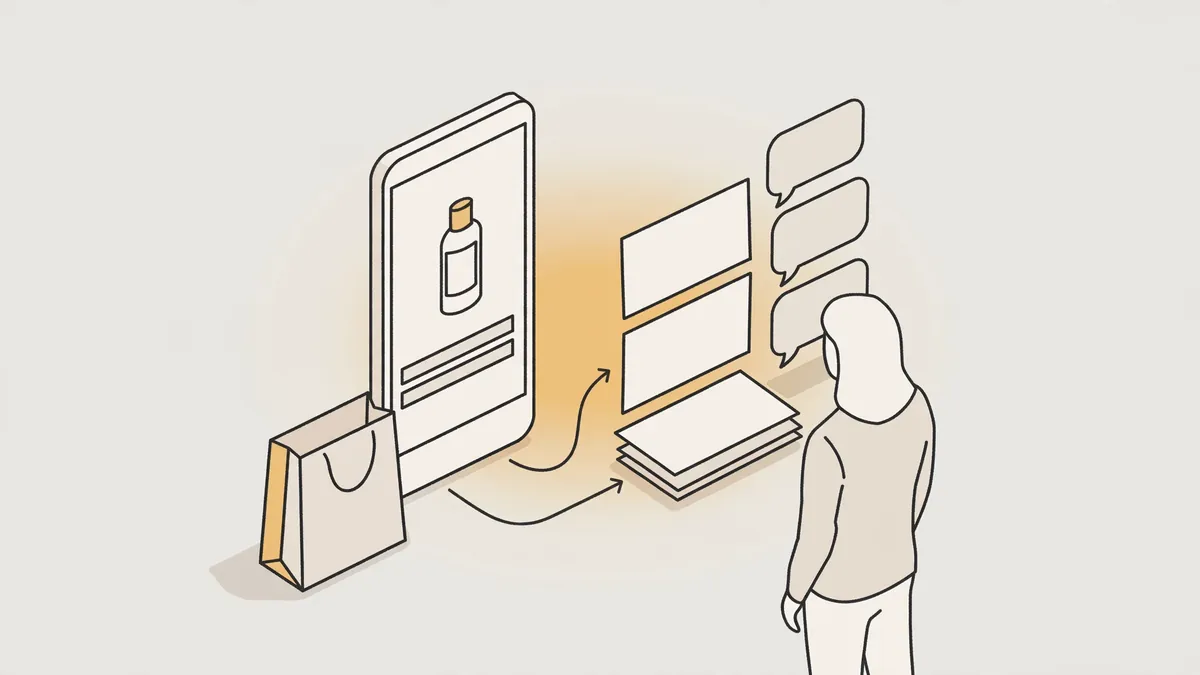
- One idea in each text appearance, without repeating what the picture already shows.
- Match phrase timing to the shot that proves its meaning.
- Leave a margin around text, away from platform buttons.
- Read the muted version in full; having to replay a section means the text is too long or too fast.
See Instagram Reels and Story design for text, logo and action button placement.
How do you choose music and sound effects for the ad?
Choose music that supports the mood and never competes with speech: lower it under words and lift it during use or result moments. Use sound effects to confirm an action such as opening, touching or securing, not to decorate transition after transition. Confirm the sound is licensed for commercial use, and hear the cut on earbuds and phone speakers before publishing.
Human voice
- Its editing decision
- The clearest element, leading the order of information
Music
- Its editing decision
- Supports mood and stays away from important words
Action effect
- Its editing decision
- Connects to a visible movement on screen
Short silence
- Its editing decision
- Draws attention before an important result
How do you prepare high-quality export versions for each platform?
Prepare a vertical master, then derive a version for each platform instead of cropping the same file. Check text, logo and call to action placement inside the display frame, opening movement, sound clarity and whether cropping harms the product. Versions may share the message and shots, but ending length, element placement and presentation may need adjustment for each context.
- Keep a vertical master at 9:16 and 1080x1920 before deriving platform versions.
- Adjust text, logo and call to action for TikTok, Snapchat, Instagram and YouTube Shorts versions.
- Play each version on a phone and check the opening, ending and sound level.
- Name the file by product, platform, angle and opening to make comparison easier.
The ad video sizes guide explains why cropping alone is not enough.
When is editing alone enough, and when do you need new footage or a new angle?
Editing is enough when clear shots and a message are badly ordered, late to open or slow in pace. New shots are needed when proof of use, size or result is missing, and a new angle when the message does not matter to the audience. Do not fix a weak idea with effects, or missing proof with faster cuts.
Late opening and good shots
- Closest decision
- Reorder the edit and bring proof forward
Long explanation and clear benefit
- Closest decision
- Shorten it and spread text across the shots
No use shot
- Closest decision
- Add filming or new visual material
Clear offer and weak interest
- Closest decision
- Test a new angle and message
The rule is that professional ad editing fixes order and pacing; it does not invent missing proof or rescue a weak message, and the ad testing matrix shows how to isolate one element when comparing.
How can you try this on your product?
Request a free sample video before any payment. Product photos and a store link are enough, with no sample shipping, and the first batch arrives 48 to 72 hours after script approval, in 9:16 for Meta, TikTok, Snapchat and YouTube Shorts.
Frequently asked questions
Can one video work on every platform without changes? The core message and shots may work, but check the text, call to action, ending length and sound clarity in each version, because a different display context can hide an important element or slow the opening.
Do frequent transitions make an ad more professional? No. Professional work means each transition serves a change in idea, shot or feeling; a showy transition without a reason steals attention from the product, and a direct cut or movement within the shot is often enough.
What should you do if the audio is good but the picture is weak? Shorten the voiceover and use the clearest shots. If a use or result shot is missing, the problem is the filmed material, because good audio cannot replace proof viewers need to see.
How do you know an edit actually improved the ad? Change one element at a time, such as the opening, pacing or text, and compare completion and enquiries with the previous version. Changing everything together hides which decision actually made the difference.
For the full service, see Scaling Ad Creative from 30 to 200 Videos per Month.