
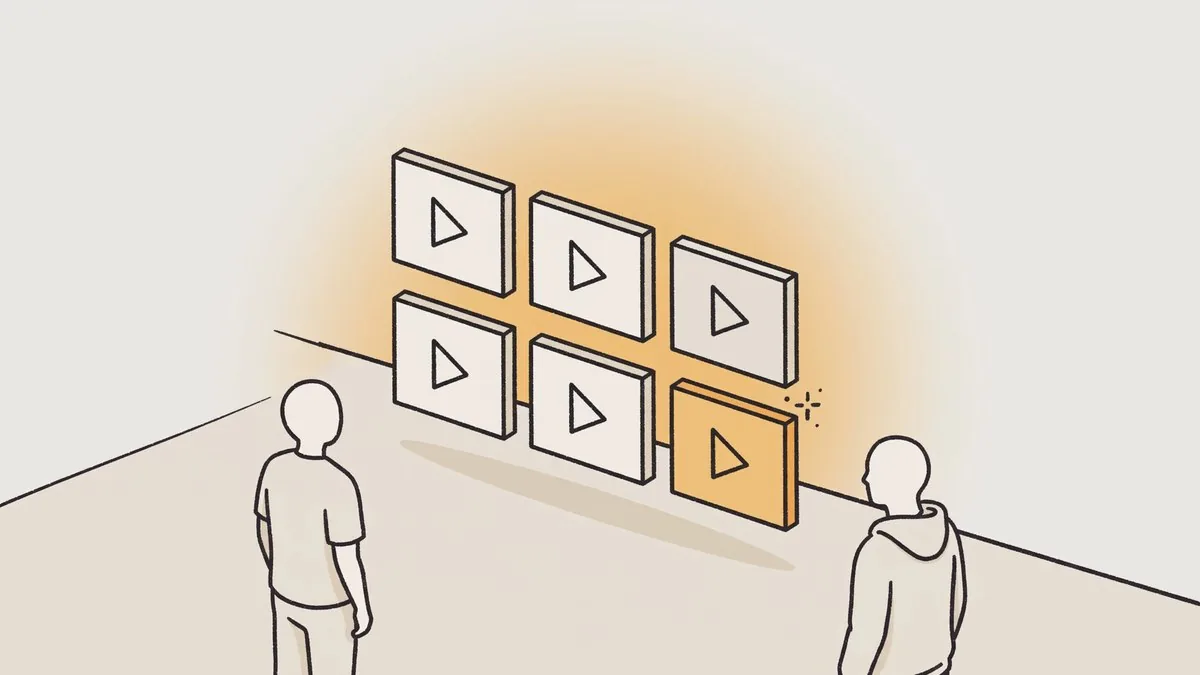
Key takeaways: Click-to-WhatsApp video ads are built on one clear message in the video and a messaging button that leads to a ready question that is easy to send. After the chat opens, a short welcome, one qualifying question and a clear next step keep the conversation organised until an order or a clear end to the enquiry.
What are WhatsApp ads that open a chat from a video?
Here, WhatsApp ads mean video ads on Facebook and Instagram with a messaging button that the viewer taps to open a WhatsApp chat with the business instead of first going to an outside page. The ad therefore has two jobs: give a clear reason to get in touch inside the video, then make starting the conversation easy.
WhatsApp chat
- What the viewer needs
- A ready question and a specific reason to message
Product page
- What the viewer needs
- Reading the details, then choosing the purchase step
Contact form
- What the viewer needs
- Filling in details before the direct chat starts
Because click-to-WhatsApp ads start the chat before any purchase step, the first message must remind the viewer of the product and the reason for getting in touch.
How To Set Up Click To WhatsApp Ads?
Start in Ads Manager by choosing the campaign objective that directs people to start a conversation, then set WhatsApp as the button destination and link the business number. Next, choose a vertical video, write primary text explaining the reason to message, and review the ad and messaging button in preview before approving the campaign and launching it to the audience.
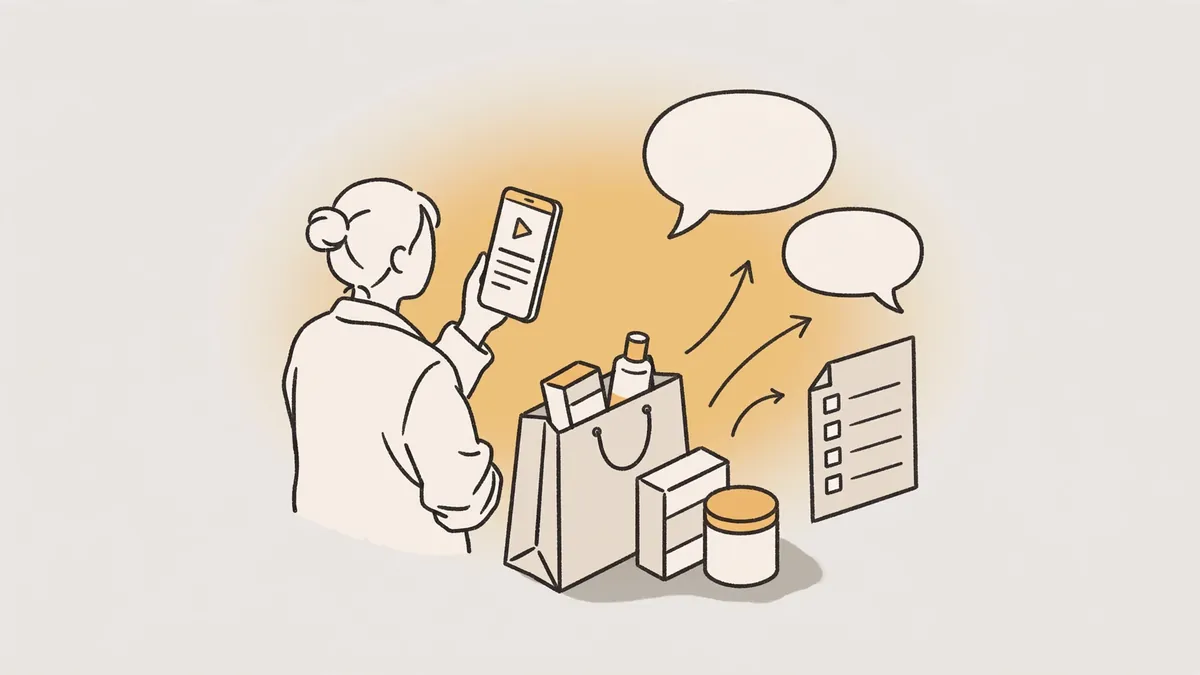
- Define the product or offer that the single chat will cover.
- Choose the video, primary text and button wording inside the ad setup.
- Link the business WhatsApp number and review the ready message.
- Preview the ad on mobile and check that the tap opens the intended chat.
- Send the message yourself as a test before launching the campaign to the audience.
The same steps apply when you prepare an ad that opens a WhatsApp chat for one specific product, because a clear button and message reduce general questions.
What should the video say before the viewer taps the messaging button?
The video should name the product at the start, then show one benefit or ask one question that makes messaging feel like the natural next step, then end with a specific invitation such as asking about the right size or checking a colour. If the reason to message is unclear after one viewing, simplify and focus before making versions.
Start
- What it says clearly
- Product name or a problem close to the viewer
Middle
- What it says clearly
- One benefit and a close view of the product
End
- What it says clearly
- One invitation to ask about size, colour or availability
A viewer-close opening could be: “Are you looking for a light abaya for work?”, and openings can be widened with the Gulf hooks bank while keeping one invitation at the end.
What should I write in the pre-filled ready message?
Write one short ready question the viewer can send as it is, about availability or the right size for the product shown. If viewers must delete words or explain intent from scratch, they may stop, so tie it to the video angle and name the product or colour clearly.
Check availability
- Ready message example
- Hello, is the product shown in the video available?
Choose a size
- Ready message example
- Hello, I need help choosing the right size
Know shipping options
- Ready message example
- Hello, what shipping options are available for my city?
Ask about a colour
- Ready message example
- Hello, is the colour shown in the ad available?
Give each video angle a matching message, so when you read the chats you know which reason led the viewer to start talking.
What should I say in the first minute after the viewer taps?
Start with a welcome that thanks the viewer, then restate the product or question they came for, then ask one qualifying question such as city, size or intended use. Do not send a long list of questions at once; make the next step easy with an answer to their question, an image, or a product link if they request it.
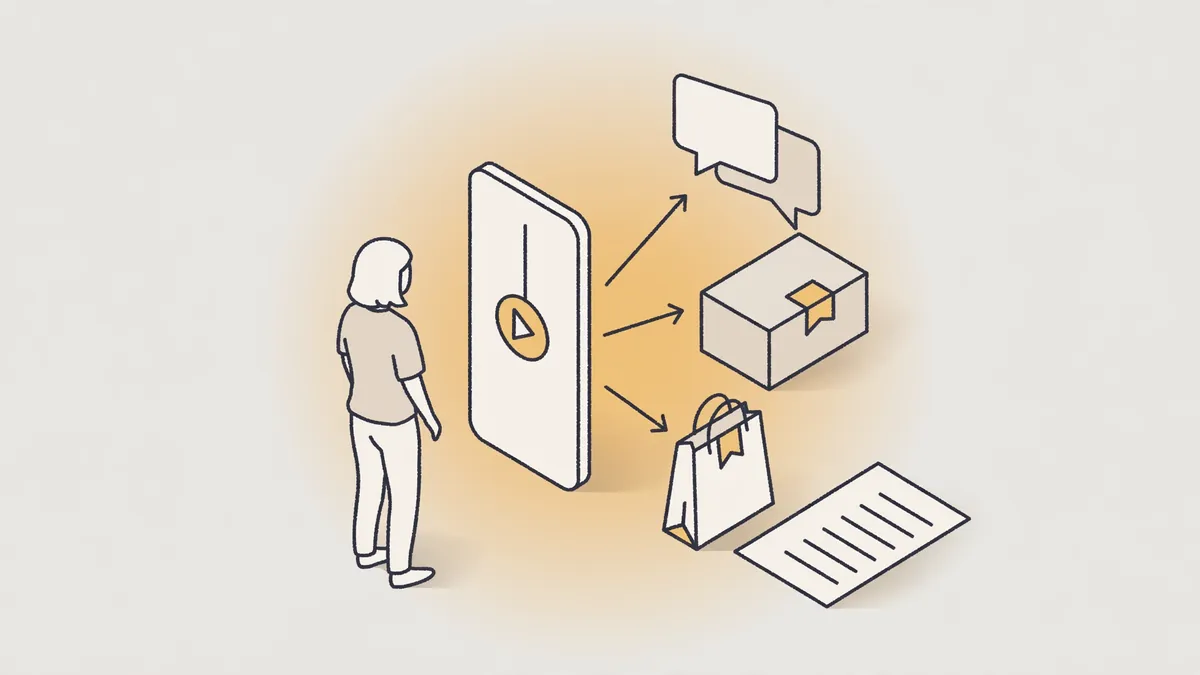
- Welcome the viewer and name the product shown in the video.
- Answer the ready question directly before asking anything new.
- Ask one question that helps you suggest the suitable option.
- Present the next step clearly, such as confirming availability or sending the order link.
- Summarise what you agreed before closing or continuing the chat.
Choose words close to the customer dialect, and review the Saudi and Gulf dialect guide before approving repeated replies.
How is the chat organised from the first enquiry to the order?
A good chat runs in short stages: understand the need, confirm the details that affect the choice, present the suitable option, explain the order step, then follow up politely only when needed. Keep ready replies for repeated questions, but adjust the first line of each reply to the customer's own question so it does not feel general or copied.
Understand the need
- Practical goal
- Know the product, size or intended use
Confirm details
- Practical goal
- Review colour, availability and delivery city
Suggest an option
- Practical goal
- Link the suggestion to a reason the customer gave
Order step
- Practical goal
- Send the order link or explain the method clearly
Follow-up
- Practical goal
- A short, polite reminder without annoying repetition
How do I measure the move from view to chat and then to order?
Measure the path in separate stages: how many people started a chat, replied to the qualifying question, completed the choice details and reached the order step. Record the source of each chat by video name, angle and ready message, because mixing versions makes the count misleading, while the smaller stages show where to improve the video, reply or first message.
Views without chats starting
- Where to review first
- Clarity of the invitation and reason to message at the end
Chats start then stop
- Where to review first
- Length of the ready message or clarity of its question
Many replies without an order
- Where to review first
- Completeness of answers or clarity of the next order step
Repeated questions about one point
- Where to review first
- Explaining it in the video or welcome message
When changing one element per round, use the ad testing matrix to document the version, angle and message before comparing later chats between versions.
Can the same video be used on Reels, Stories and WhatsApp Status?
You can start from the same base video, but do not publish the identical copy in every placement without review. Check where text, product and invitation sit in each placement, leave space away from screen edges and expected button areas, then adjust on-screen text or the ending length when needed, because display shape may hide key information before the tap.
- Keep the product and store name away from screen edges.
- Make the main text clear to read on a mobile screen.
- Shorten the ending if the placement cuts the video end.
- Add on-screen text for viewers watching without sound.
- Review the final preview before approving each version.
To adapt the base version across sizes and placements, review one ad in every size before preparing the publishing files for each placement.
How can you try this on your product?
Request a free sample video before any payment. Product photos and a store link are enough, with no sample shipping, and the first batch arrives 48 to 72 hours after script approval, in 9:16 for Meta, TikTok, Snapchat and YouTube Shorts.
Frequently asked questions
Do I need a ready product page before starting the chat? It is better to have a clear page to send when details are requested, but the chat first needs a specific product, a ready question and an answer about availability and size.
What should I do if a customer starts the chat then stops replying? Send one short follow-up that recalls their question and leaves an easy option to continue, then leave the chat without repeated pressure.
Should I write the video in Arabic or English for a Gulf audience? Choose the language and dialect your audience uses in its questions, add clear on-screen text, then test a version close to how customers speak.
How do I avoid claims that may harm customer trust in the store? Stick to a description that can be supported by the product page and photos, avoid absolute outcome promises, never present a digital performer as a real customer, and review the official published guidance before publishing any version.
Part of our approach to Scaling Ad Creative from 30 to 200 Videos per Month.