
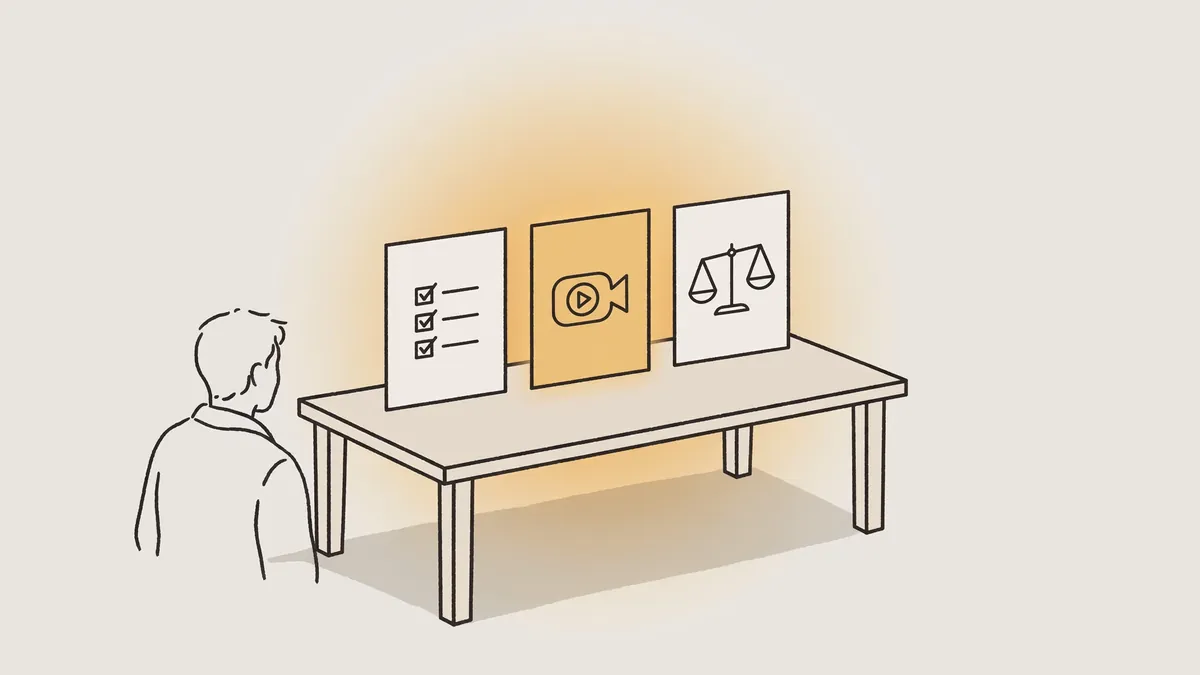
Key takeaways: Text-to-video AI quickly builds scenes from a written prompt, but it does not by itself guarantee an accurate or convincing ad. It suits testing and drafting when you review the product, dialect, hands and on-screen text, and add clear human direction before any paid publishing.
What is text-to-video AI?
Text-to-video AI means building moving scenes from a written description or script, then adding voice, on-screen text and music as needed. The result is a visual draft that moves quickly from idea to viewing, but it remains a machine interpretation of the text, not documented filming of the product or a real customer experience.
General backgrounds and atmosphere
- Practical fit
- Usually suitable after review
Explaining an idea before full production
- Practical fit
- Suitable as a first discussion draft
A specific product with a logo and pack
- Practical fit
- Needs building from real photos
A hand holding or using the product
- Practical fit
- Needs careful checking of every shot
A face speaking to camera
- Practical fit
- Needs review of pronunciation and mouth movement
When does a text-generated video suit an ad and when does it harm trust?
A clip suits advertising when the message is simple, persuasion does not depend on proving texture or a result, and the real product appears clearly without alteration. It harms trust when it implies an experience that never happened, changes the pack shape, or presents a generated persona as a real customer who actually bought and used the product herself.
One message and a claim that can be proven
- Practical decision
- The clip can be tested
An atmosphere scene that does not focus on fine details
- Practical decision
- It can be tested after review
A change in the logo, colour or size
- Practical decision
- Stop publishing and rebuild the scene
A testimonial or experience that looks real but is generated
- Practical decision
- Stop publishing and change the ad wording
How do you write a text that can become an ad video?
Making a video from a workable text starts with writing short, separate scenes, each carrying one action and one message only. Put a question or situation that stops the scroll at the start, then explain one benefit that can be shown visually, and end with one clear call to action, without cramming many specifications into the clip.
- Write the audience, product and most important benefit in one line before drafting any scene.
- Turn every long sentence into a scene describing the action, place and object visible in the frame.
- Write the spoken script and on-screen text separately so they do not repeat each other word for word.
- Try a short opening question such as "What makes its scent last?" then connect it directly to the product.
- Read the script aloud and delete any word that adds no meaning or clear image.
Review the hook, middle and ending structure in the short video ad script template before approving the final version.
How do you show your real product accurately in a generated video?
The product appears more accurately when scenes are built from clear real photos of the pack, logo and colours, rather than a general description that leaves the system to imagine the shape. A description alone may alter letters, proportions or colour shade, so compare every shot with the original product and reject any scene that looks merely close, not matching.
- Take product photos from the front, side and back, and identify the parts that must never change.
- Provide the logo and colours as they appear on the pack, and do not rely on general colour names.
- Add a close photo of any engraving, texture or lid that distinguishes the product from others.
- Compare the first shot, last shot and every close shot before approving the full clip.
Does conversion support Arabic and the Saudi dialect in voice and text?
A system may generate Arabic voice and text, but advertising acceptance needs human review of pronunciation, vocabulary and dialect fit for the city and audience. A grammatically correct word may sound locally strange, and letters shown on screen may come out distorted, so listen fully and read every word before approving the version and publishing it to the local audience.

Pronunciation
- What you review
- Letter sounds, emphasis and word meanings as the script intends them
Dialect
- What you review
- Vocabulary suited to Najdi, Hijazi, Emirati or general Gulf use
On-screen text
- What you review
- Connected, correct Arabic letters, without reversed or missing words
Mouth movement
- What you review
- Clear matching with the voice, without an expression that does not suit the sentence
For more on vocabulary and voice tone, see Saudi and Gulf dialect video ads.
What size, length and format suit TikTok and Snapchat ads?
Choose a full vertical nine-to-sixteen format first for TikTok and Snapchat ads, and place the product and message in the opening scenes without a long introduction. Keep the length to what one benefit and one call to action need, then make a shorter testing version, and do not pad the clip to increase viewing time or repeat the same point.
- Start with a scene understood without sound, with short on-screen text that does not cover the product or face.
- Leave a clear margin around the face, product and text so app interface elements do not cover them.
- Prepare an original vertical version, and do not rely on cropping a horizontal version that may cut the pack or hand.
- Name every file by product, angle and opening so you can read test results clearly later.
Size and safe cropping details are in ad video sizes for every platform.
What do you check before using the clip in a paid ad?
Before paying to publish, review the clip scene by scene for errors that may not appear in one quick look. Check the product shape, hands and fingers, mouth movement, on-screen letters and spoken and written claims, and make sure the generated persona does not present itself as a real customer, and that any required disclosure is clear before launch.
Product
- Rejection sign
- A distorted logo, different colour or illogical size
Hands
- Rejection sign
- Extra fingers or a grip that does not hold the product naturally
Face and voice
- Rejection sign
- Mouth movement that does not match the speech or a fixed expression
On-screen text
- Rejection sign
- A missing letter, reversed word or text covering the product
Credibility
- Rejection sign
- An experience or praise implying a real customer testimonial
Use the AI ad realism checklist to document notes before regenerating or choosing filming.
When do you need considered direction instead of relying on generation alone?
You need considered direction when you want a text-generated AI video to become multiple ad versions in different dialects and markets, with an accurate product, consistent personas and human review of every version. As the number of versions, publishing channels and claims grows, the value of organised writing, approval and checking before and after generation grows at every production stage.
One idea you want to visualize quickly
- The better fit
- Direct generation is enough as a draft
A product whose pack and logo must match the original
- The better fit
- Real photos with human direction and review
Multiple Gulf dialects or markets
- The better fit
- Separate writing and review for each dialect and market
Many versions for repeated testing
- The better fit
- An organised production, approval and checking plan
Scenes requiring precise texture or use
- The better fit
- Real filming or mixed production
Compare the two options practically in self-serve tools and a managed studio before choosing a suitable production method.
How can you try this on your product?
Request a free sample video before any payment. Product photos and a store link are enough, with no sample shipping, and the first batch arrives 48 to 72 hours after script approval, in 9:16 for Meta, TikTok, Snapchat and YouTube Shorts.
Read also: CGI AI Video Ads: When Do They Fit Your Product?
Frequently asked questions
Should an AI-made ad be disclosed as such? Do not present the generated persona as a real customer, review the publishing channel requirements and ad type before launch, and place a clear notice when required or when viewers might think the scene was real filming.
What are the limits of generated faces and voices in ads? Use a generated face and voice that do not imitate a known real person or an actual customer, do not attribute to them a purchase experience or result that never happened, and keep them suitable for the product and audience without misleading realism.
Can the same clip be used on every publishing channel? You can start with one idea, but prepare a version suited to each channel in size, text position and message length, then review the full clip on a phone before publishing because cropping alone may cut the product or face.
What do you do if the product pack differs from reality in the clip? Stop publishing, identify the differing shots, then rebuild the scene from real product photos and compare the logo, colour and proportions again, and do not fix the error with explanatory text over a non-matching pack.
Part of our approach to AI UGC Ad Pricing and Comparisons in Saudi Arabia and the UAE.